Prepare Before the Screen Goes Strange
A cybersecurity incident rarely arrives with a clear label. A password stops working, a phone shows an unfamiliar login, files begin changing, or a router lists a device nobody recognizes. The first few decisions matter, but they are also made when you have the least reliable information and the most pressure to act.
A personal incident response kit gives you a known starting point. It combines a small set of physical tools, recovery information, clean communication options, and a short procedure. Its purpose is not to turn a household into a security operations center. It is to reduce improvisation while you determine what happened, contain the problem, and restore normal access.
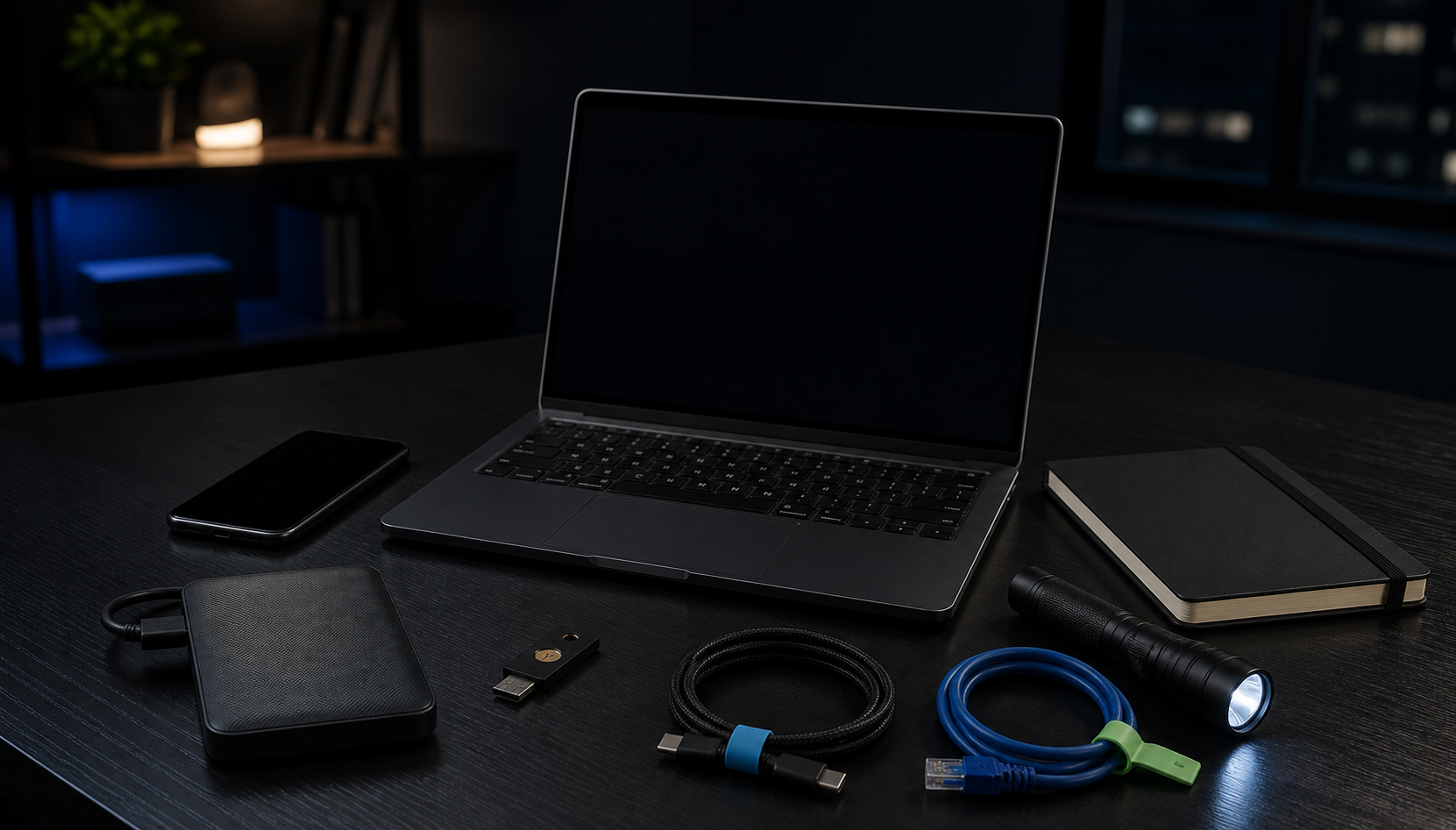
Build the kit while your devices and accounts still work. Store it where it remains available if your main computer, phone, email account, or internet connection cannot be trusted.
Define What Activates the Plan
Not every technical problem is a security incident. A slow laptop may have a failing drive. A missed email may be a filtering problem. Treating every fault as an attack creates panic and encourages destructive troubleshooting.
Write down a few events that should activate your response plan:
- An account reports a login, password change, or recovery request you did not initiate.
- A device begins encrypting, deleting, or renaming files unexpectedly.
- Banking, shopping, or email activity appears that you do not recognize.
- A lost device contains active sessions or sensitive data.
- An unknown device remains on your network after normal explanations are exhausted.
- Someone successfully persuades a household member to reveal a code, password, or payment detail.
Also record what matters most. Protecting people and stopping financial loss usually comes before repairing a computer. Preserving access to primary email matters because many other accounts depend on it. Protecting backups matters because a damaged device can be replaced, while the only good copy of family photos cannot.
A current home network asset inventory makes this triage faster. It tells you which devices belong, who uses them, and what can be isolated without interrupting an important household system.
Create an Offline Recovery Sheet
The response plan must not depend entirely on the accounts and devices it is meant to protect. Keep a paper copy, or an encrypted offline copy accessible from a separate trusted device, containing the information needed to start recovery.
Include:
- Internet provider, mobile carrier, bank, employer, and insurance contact routes
- Device model names, serial numbers, and ownership details
- Primary email address and the recovery methods attached to it
- Locations of backup drives, recovery keys, and account recovery codes
- Instructions for reporting a lost phone or computer
- A trusted person who can help verify unusual requests or make calls
- The date the sheet was last checked
Do not turn the sheet into a plaintext password list. It should tell you where protected credentials and recovery material are stored, not duplicate every secret. If your access depends on a password vault, test the same recovery questions that matter during a password manager migration: can you unlock it from another device, complete multi-factor authentication, and recover if the primary device is gone?
Store one copy somewhere the affected device cannot alter. Keep physical copies private and protected from ordinary loss. A sealed envelope in a secure location can be more useful during an account lockout than a perfect document saved only inside that account.
Assemble Clean, Useful Tools
Choose tools that support observation, communication, isolation, and recovery. A practical kit may contain:
- A blank notebook and pen for times, actions, and contact details
- A charged power bank and the cables required by household devices
- A known-good network cable and a few blank cable labels
- A flashlight for reading ports, labels, and serial numbers
- A hardware security key if your important accounts support one
- A tested backup drive that is normally kept disconnected
- A clean spare device, or a documented way to obtain one quickly
- A USB drive reserved for trusted recovery media when your platform requires it
Keep the backup separate from the affected computer until you understand the incident. Connecting the only clean copy too early can expose it to the same malware, mistaken deletion, or compromised account. A recent backup restore drill should already have proved which files exist, how they are restored, and whether the required encryption keys work.
Do not fill the USB drive with a random collection of old utilities. Recovery software ages, and an unverified tool can add risk. Record the official method for obtaining current recovery media, then create or update it from a trusted device when needed.
Capture Facts Before Changing Everything
Start a written timeline as soon as you suspect an incident. Record the local time, the first unusual event, the device or account involved, and what you were doing immediately before it happened. Photograph messages, cable positions, device labels, and router indicators when useful. Preserve original emails and notifications instead of relying only on screenshots.
Write facts separately from assumptions. “Password reset email received at 8:42 p.m.” is a fact. “The laptop has malware” is a conclusion that may still be wrong. This distinction helps you avoid building the whole response around the first theory.
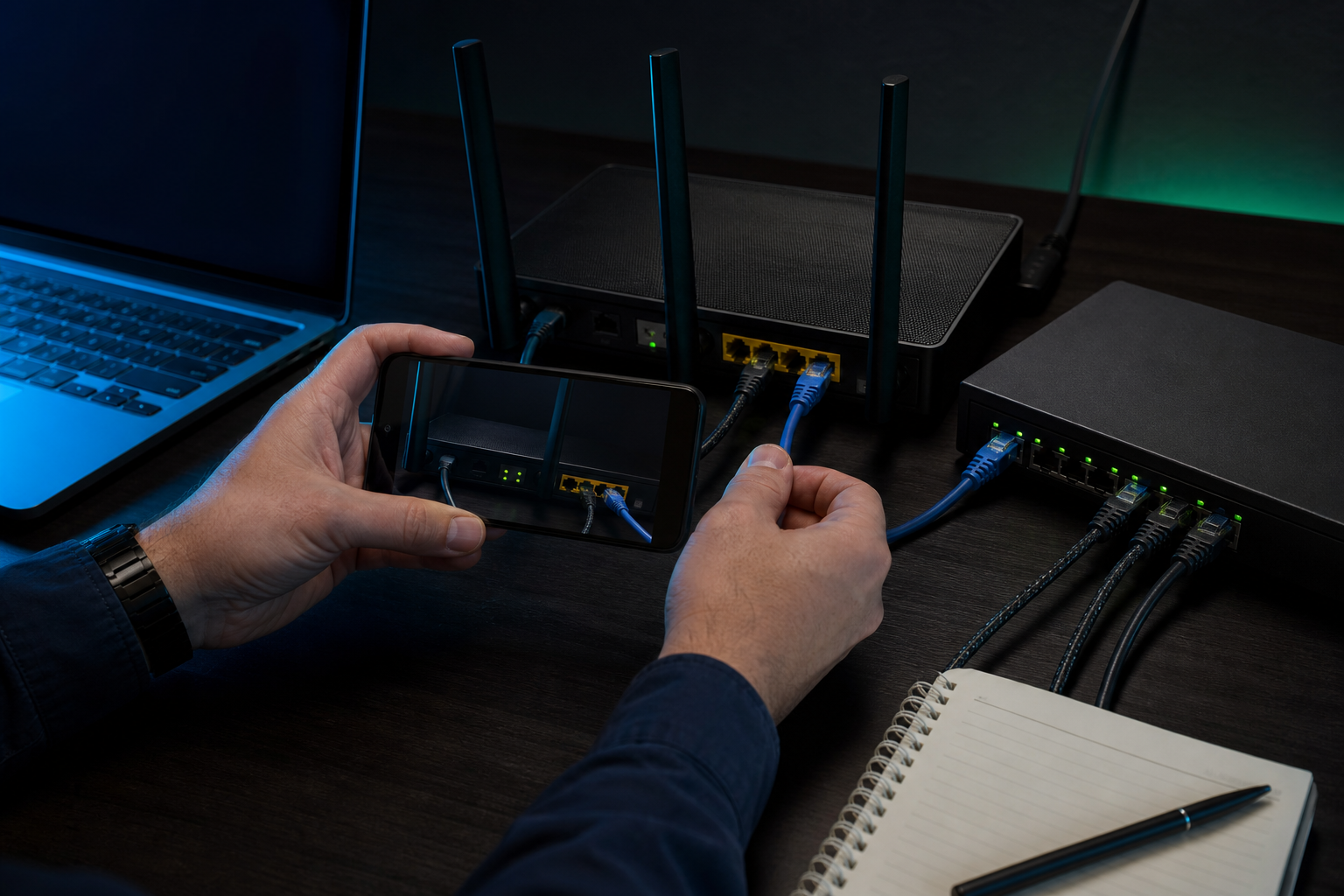
Do not begin by deleting files, clearing browser history, factory-resetting devices, or rebooting every piece of network equipment. Those actions can remove useful context and make the scope harder to understand. If a person contacted you, preserve the message, address, username, phone number, and requested action. Ordinary trust can become an attack path, as shown by an accidental social engineering encounter.
Contain the Smallest Known Problem
Containment should limit harm without needlessly destroying evidence or access. If one computer is behaving suspiciously, disconnect its network cable and turn off its WiFi rather than immediately resetting the whole network. If one account is affected, use a different trusted device to change its password, end active sessions, review recovery details, and secure the email account that controls it.
For a stolen device, use the platform's documented lost-device controls from a clean device. For suspected payment fraud, contact the financial institution through a verified route. For an employer-owned device or work account, stop personal troubleshooting and follow the organization's reporting process.
Avoid changing every password from the device you suspect. A keylogger, malicious browser extension, or remote access tool could capture the new credentials. Secure accounts in dependency order from a clean path: primary email first, then password manager and phone account, followed by financial, cloud storage, shopping, social, and other services.
Record every containment action and its time. If a change fails, note the exact message rather than repeatedly trying variations. A short, accurate timeline is more useful than a long memory reconstructed the next day.
Recover Through a Separate, Trusted Path
Recovery begins only after the immediate access path is contained. Decide whether the affected device can be cleaned confidently or should be erased and rebuilt. When sensitive data or persistent compromise may be involved, professional help may be safer than experimenting with tools you have never used.

Use a clean device to obtain current operating system media and trusted applications. Restore personal data from a backup created before the suspicious activity, then scan and open it carefully. Do not restore unknown executables, browser extensions, or old system configuration merely because they were included in the backup.
Rotate credentials that may have been exposed, revoke old sessions and app passwords, replace compromised recovery codes, and review forwarding rules in important communication accounts. Reconnect one device or service at a time. Watch for the original symptom before moving to the next step.
If a device cannot be trusted or will leave your control, follow a storage-aware retirement process. An ordinary file deletion or quick format is not a substitute for an appropriate erase method.
Practice a Thirty-Minute Drill
A kit that has never been tested is a collection of assumptions. Run a short drill without damaging data or locking accounts. Choose one scenario, such as a lost phone or an unfamiliar login notification, and walk through the first thirty minutes.
Confirm that you can find the kit, read the recovery sheet, contact the right provider, access primary email from a separate device, locate recovery codes, identify the affected device, and reach a clean backup. Do not perform irreversible actions during the drill. Mark those steps as simulated.
Afterward, correct missing numbers, dead batteries, inaccessible keys, unclear instructions, and outdated device records. Give each household member a role appropriate to their ability. One person may document events while another contacts a provider. Everyone should know that urgency, secrecy, and requests for authentication codes are reasons to pause and verify.
Review the kit after a new device, account, internet provider, phone number, or backup system enters the household. Check it at least a few times each year even when nothing changes. Preparedness should feel routine: known tools, trusted contact routes, tested recovery material, and a short plan that still makes sense when the normal screen does not.